You open your phone dozens of times a day with your face or finger — but which one is actually protecting you better? The more secure Face ID or fingerprint scanner debate has a technical answer, a practical answer, and a legal twist most people don’t know about. Let’s settle it.
Face ID vs. fingerprint scanner — which is more secure? The technical answer
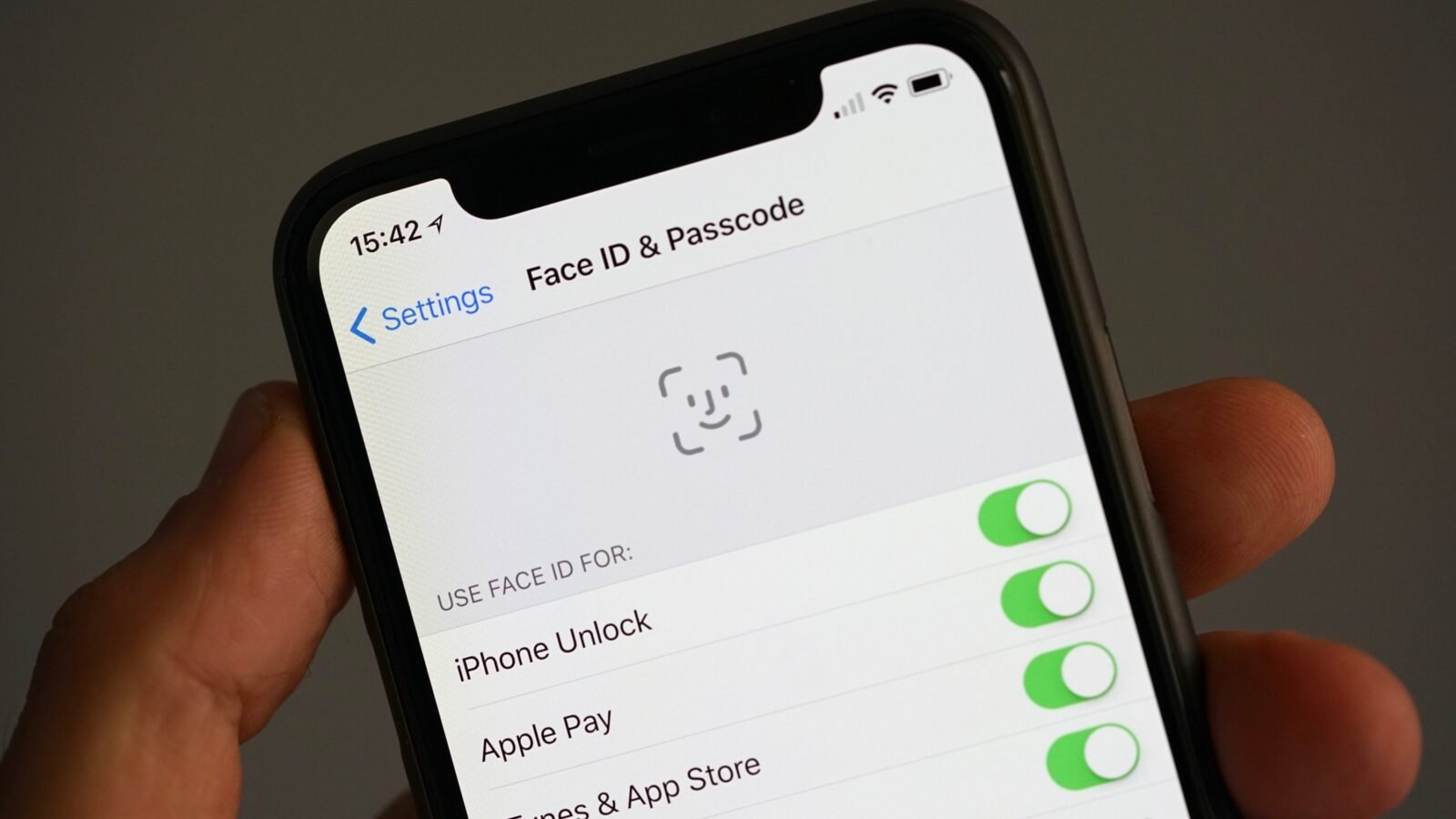
Apple publishes the key numbers: the chance of a random person opening your iPhone with Face ID is approximately 1 in 1,000,000; for Touch ID (fingerprint), it’s 1 in 50,000. Face ID projects 30,000 infrared dots to build a depth map of your face — it’s not a photo, so it can’t be fooled by a picture, and it works in the dark. By the raw math, Face ID is roughly 20x more resistant to random false matches.
But “random person” isn’t the threat model that matters. Let’s talk real attacks.
Spoofing: can they be faked?
Face ID
- Photos/videos: no — the depth map defeats 2D images.
- 3D-printed masks: researchers have defeated Face ID with elaborate high-resolution masks — but it requires detailed 3D scans of your face and thousands of dollars. Not a realistic threat for normal people.
- Sleeping/unconscious access: Face ID requires “attention” (eyes open, looking at the phone) by default — someone can’t just hold it to your sleeping face. (This can be disabled; don’t.)
- Identical twins and young children: the genuine weakness. Twins and kids under ~13 with similar features can sometimes open each other’s phones. Apple warns about this openly.
Fingerprint scanners
- Lifted prints: researchers have opened phones with prints lifted from glasses or photos of fingers — feasible but requires effort and access.
- Sleeping access: the real-world weakness. Someone can press your sleeping (or coerced) finger to the sensor. No attention check exists for fingers.
- Worn/damaged prints: manual laborers, chefs, and the elderly often have prints too worn to read reliably — a usability failure that pushes people to weaker PINs.
- Cheap sensors: optical under-display sensors (common on budget Androids) are notably less secure than ultrasonic ones (Samsung flagships) or capacitive ones (Pixel’s rear sensor era). Not all fingerprint scanners are equal. Android’s safety pages detail how biometric data is protected on-device.
The practical answer: both are fine; your PIN matters more
Here’s the uncomfortable truth: for 99.9% of people, the biometric is not the weak link — the fallback PIN/passcode is. Both Face ID and fingerprint fall back to your passcode after restarts, after 48 hours, or after 5 failed attempts. A thief who steals your phone will attack the 4-digit PIN (shoulder-surfed at a bar), not your face. A strong alphanumeric passcode + either biometric beats a weak PIN + the “better” biometric every time.
So the real security ranking: strong passcode + Face ID ≈ strong passcode + good fingerprint sensor ≫ weak PIN + anything.
The legal twist: biometrics vs. PINs in the US
This surprises people: under current US case law, police can generally compel you to open the phone with biometrics (face/fingerprint — considered physical evidence, like a fingerprint at a crime scene) but cannot compel you to reveal a passcode (protected as testimonial under the Fifth Amendment). The law is still evolving and varies by jurisdiction, but as of 2026 the distinction largely holds. If this scenario concerns you: use a strong passcode, know that iPhones (5 clicks of side button) and Pixels (lockdown mode) can instantly disable biometrics, requiring the passcode.
Usability differences that affect real security
- Masks/sunglasses: Face ID struggles with some sunglasses and masks (mask-aware Face ID exists on newer iPhones but is less secure). Fingerprint doesn’t care about your face.
- Wet/dirty fingers: fingerprint fails; Face ID doesn’t care about your hands.
- Gloves: fingerprint useless; Face ID fine.
- Desk access: under-display fingerprint lets you open it without lifting the phone; Face ID needs the phone angled at your face.
The “more secure” option you disable out of annoyance is worse than the slightly-less-secure one you actually use. Convenience drives compliance.
The verdict
Face ID is technically more secure — 1:1,000,000 vs. 1:50,000 false-accept rates, attention awareness, and strong spoof resistance. But a good fingerprint sensor (ultrasonic or capacitive) with a strong backup PIN is effectively equivalent for real-world threats. The differences that actually matter: your passcode strength (the real weak link — pair either with our two-factor authentication setup for your accounts), the legal distinction around compelled biometric access, and which one you’ll actually use consistently. Store that passcode in a password manager so it’s strong and usable.
What about iris scanning and voice?
For completeness: Samsung’s old iris scanning was technically strong but died out due to usability issues (glasses, lighting, speed). Voice recognition as a phone access method is weak — easily spoofed with recordings — and no major phone uses it as a primary access method anymore. The industry has consolidated on face + fingerprint for good reason: they’re the two biometrics that balance security, speed, and usability. Everything else is either weaker or more annoying.
The bottom line
Face ID is more secure than a fingerprint scanner by the technical measures — better false-accept odds and attention detection. In practice, both are excellent, and your passcode strength matters far more than which biometric you chose. Pick the one that works with your life (masks? gloves? twins?), set a strong alphanumeric passcode, and stop worrying about it.